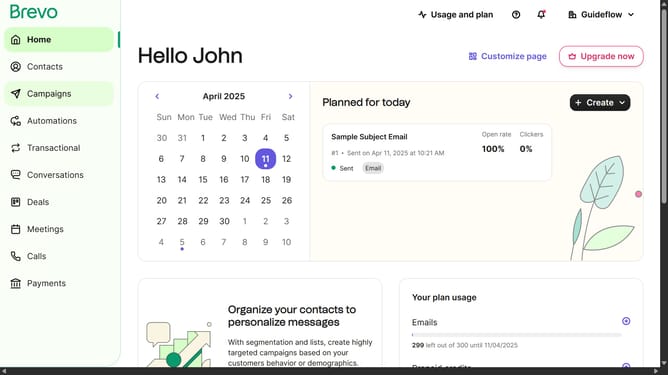
How to select multiple email templates in Brevo
Here is how to select multiple email templates in brevo
- First click on the "Campaigns" link in the left sidebar
- Then click on "Templates" in the campaigns submenu
- Next click on the checkbox next to template item in the templates list
- Then click on the checkbox next to template item in the templates list
- Then click on the "Select all" option in the template selection menu to select all the template items
- Finally click on the "Clear selection" option in the template selection menu
Why should you select multiple email templates in Brevo
Brevo stands out as a dynamic platform designed to streamline your email marketing efforts.
The ability to select multiple email templates in Brevo enhances your productivity, allowing you to streamline campaign management effortlessly.
By accessing numerous templates at once, you can easily customize and deploy campaigns, ensuring that content aligns with diverse audience preferences without missing a beat.
This functionality not only saves time but also ensures consistency across your messaging, optimizing your marketing strategy.
Last update