How to look for the SMTP port in Brevo
Here is how to look for the smtp port in brevo
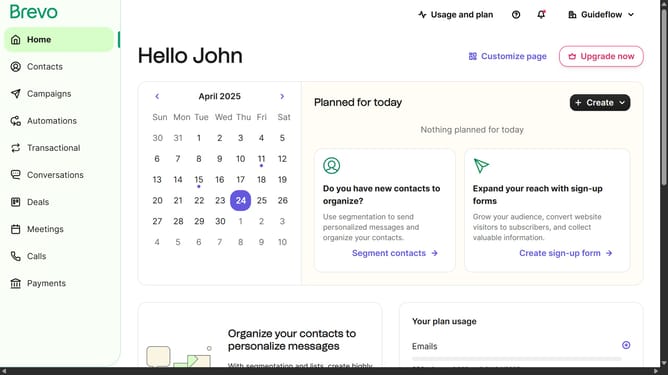
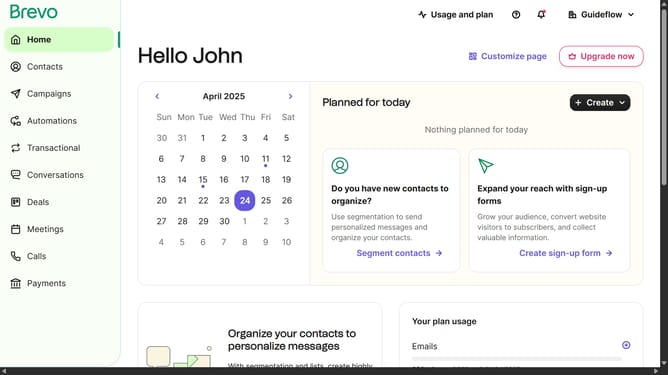
- First click on the "Guideflow" button in the top-right header menu
- Then click on "SMTP & API" option in the dropdown menu
- Finally locate the SMTP port in the "SMTP &PI" window panel
Why should you look for the SMTP port in Brevo
Brevo is a dynamic email marketing tool designed to streamline communication with customers and enhance marketing efforts.
Discovering the SMTP port in Brevo is an intuitive process that boosts your email-sending capabilities.
With seamless integration, identifying the SMTP port ensures secure and efficient email delivery, minimizing downtime and enhancing outreach.
This feature empowers businesses to maintain consistent communication, ultimately fostering better customer relationships and improving brand reputation.
Last update