How to create a short code in Brevo
Here is how to create a short code in brevo
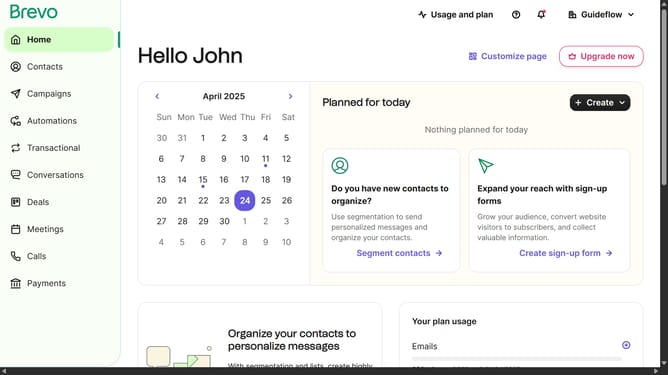
- First click on the "Campaigns" option in the left sidebar menu
- Next click on the "SMS" tab in the campaign type selection area
- Then click on the "Onboarding Message Sample" item in the campaign list
- Next click on the "Sender" dropdown menu icon
- Then click on the "Sender" text field to set the sender name
- Finally click on the "Save" button in the bottom right corner
Why should you create a short code in Brevo
Brevo is an innovative platform designed to elevate marketing efficiency through smart automation.
With Brevo, creating a short code is a seamless feature that adds precision to your marketing campaigns. This functionality allows for the integration of simple codes into marketing materials, enhancing your capabilities with minimal effort.
The primary benefit of utilizing short codes in Brevo is efficiency and effectiveness; it enables marketers to efficiently collect and analyze data, improving engagement and conversion rates.
Ultimately, Brevo's short code feature is an essential tool for optimizing marketing strategies and enhancing overall productivity.
Last update