How to make a copy of an email template in Brevo
Here is how to make a copy of an email template in brevo
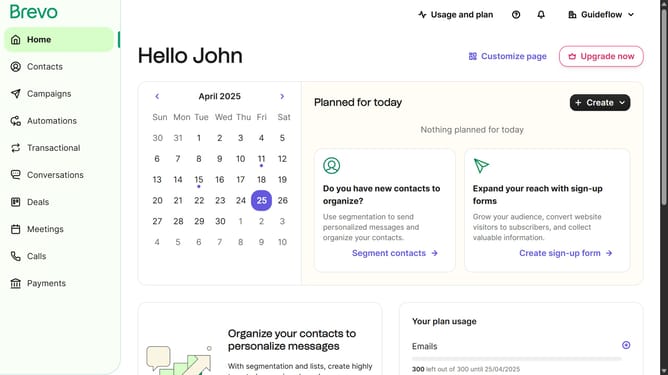
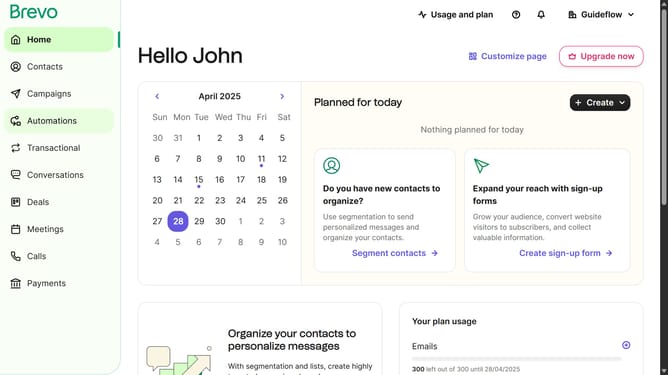
- First click on the "Campaigns" link in the left sidebar
- Then click on "Templates" in the campaigns submenu
- In the templates list, click the options menu (three dots icon) for the template you want to manage
- From the dropdown menu that appears, click the "Duplicate" option
Why should you make a copy of an email template in Brevo
Brevo is an intuitive platform designed to streamline and enhance your email marketing efforts.
One standout feature of Brevo is its ability to help users effortlessly create copies of email templates. This feature is particularly beneficial for those looking to maintain consistency across multiple campaigns while saving time in the process.
By making a copy of an existing email template, you can quickly tailor your messaging to different audiences without starting from scratch. This ensures a cohesive branding experience and boosts productivity.
Last update