How to relocate a contact list in Brevo
Here is how to relocate a contact list in brevo
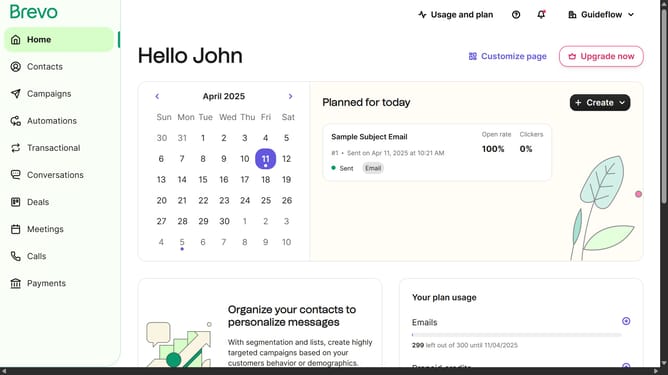
- First click on "Contacts" in the left sidebar navigation menu
- Then click on "Lists" in the submenu under Contacts section
- Next click on the folders dropdown menu in the main content area
- Then click on the folders list in the pop-up window panel
- Next click on the actions menu (three dots) for the "Sample List" item
- Then click on the "Move" option in the actions menu
- Click on the folder selection dropdown in the "Move list to another folder" modal
- Select the folder from the folder dropdown list
- Finally click on the "Move list to this folder" button at the bottom of the modal
Why should you relocate a contact list in Brevo
Brevo is a dynamic platform designed to streamline and optimize your communication strategies.
Relocating a contact list in Brevo is a seamless process that enhances the organization and efficiency of your marketing efforts.
By easily moving lists, you can better segment your audience, ensuring that the right messages reach the right people at the right time.
Enjoy the flexibility and control over your contacts, which aids in maintaining a clean and targeted marketing approach, ultimately boosting engagement and results.
Last update