How to create a meeting in Brevo
Here is how to create a meeting in brevo
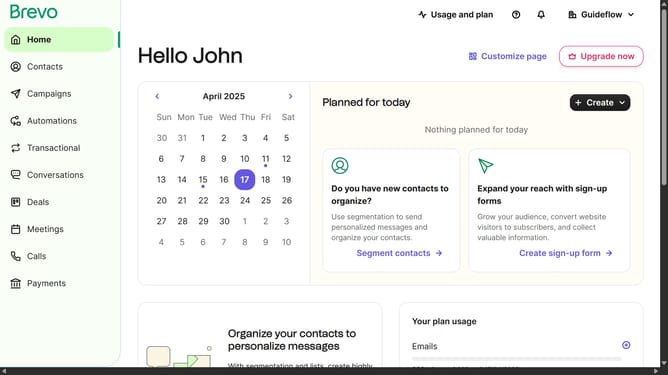
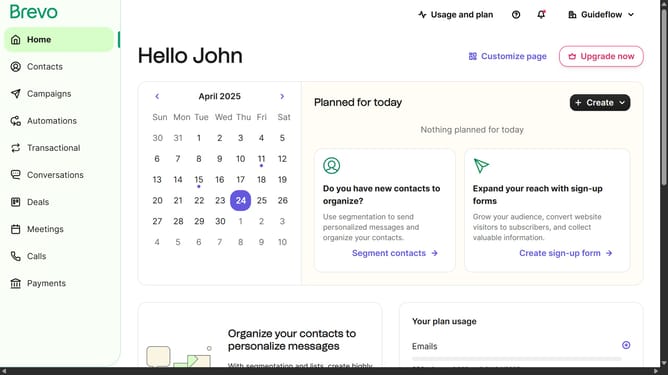
- First click on "Meetings" in the left sidebar menu
- Then click on "Create meeting type" button in the top right corner
- Next select "with 1 host" option in the meeting type selection modal
- Then enter "Interview call" in the "Meeting type name" field
- Next click on the "30 minutes" dropdown in the duration field
- Finally click on "Save the meeting type" button at the bottom of the form
Why should you create a meeting in Brevo
Brevo is a versatile platform designed to streamline communication and collaboration.
Creating a meeting in Brevo is straightforward and efficient, offering users a seamless way to organize and manage their schedules.
This feature enhances productivity by enabling participants to easily coordinate and synchronize their availability, ensuring everyone is on the same page.
With Brevo's intuitive interface, setting up meetings becomes a stress-free task, freeing up time for more focus on meaningful work.
Last update