How to find the SMTP key to use in sending emails in Brevo
Here is how to find the smtp key to use in sending emails in brevo
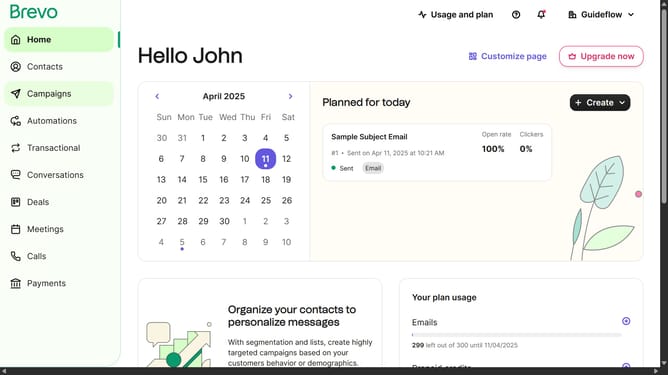
- First click on the "Guideflow" button in the top-right header menu
- Then click on "SMTP & API" option in the dropdown menu
- Finally click on the eye icon next to the Master Password in the SMTP keys table to reveal the password
Why should you find the SMTP key to use in sending emails in Brevo
Brevo is a versatile platform designed to streamline your email marketing efforts effortlessly.
One of its standout features is the ability to find the SMTP key for sending emails, a crucial step for reliable email communication.
Using your SMTP key ensures secure and efficient delivery, preventing your emails from being marked as spam and increasing overall deliverability.
This feature empowers businesses to maintain a strong communication channel with their audience, enhancing engagement and trust.
Last update