How to move a contact list in Brevo
Here is how to move a contact list in brevo
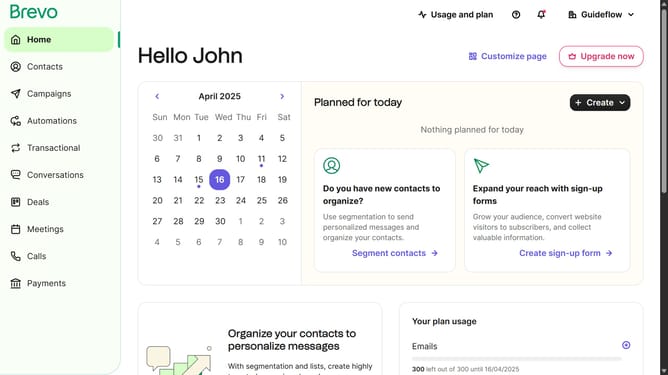
- First click on "Contacts" in the left sidebar navigation menu
- Then click on "Lists" in the submenu under Contacts section
- Next click on the folders dropdown menu in the main content area
- Then click on the folders list in the pop-up window panel
- Next click on the actions menu (three dots) for the "Sample List" item
- Then click on the "Move" option in the actions menu
- Click on the folder selection dropdown in the "Move list to another folder" modal
- Select the folder from the folder dropdown list
- Finally click on the "Move list to this folder" button at the bottom of the modal
Why should you move a contact list in Brevo
Brevo is a powerful platform designed to enhance communication and streamline contact management.
Moving a contact list in Brevo is a seamless feature that optimizes your experience by ensuring you can efficiently manage your connections. This functionality is crucial for businesses aiming to keep their contact data organized and updated.
By utilizing this feature, users can enhance their communication strategy, boosting productivity and saving valuable time.
Last update