How to access deliverability details in Brevo
Here is how to access deliverability details in brevo
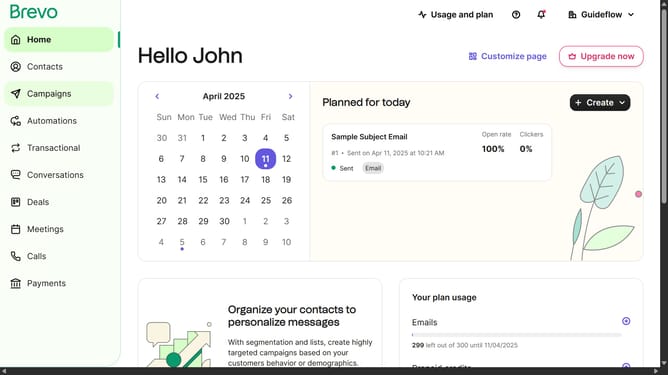
- First click on the "Campaigns" button in the left sidebar
- Then click on the "Report" icon button in the email campaign item
- Finally click on the "Deliverability" tab in the statistics panel
Why should you access deliverability details in Brevo
Brevo is a dynamic platform designed to amplify your email marketing campaigns with unmatched efficiency.
Accessing deliverability details in Brevo provides key insights into how well your emails are reaching recipients' inboxes.
This feature is essential for understanding delivery rates, bounces, and engagement metrics, enabling you to optimize your strategies effectively.
The ability to analyze these details helps ensure your content consistently reaches and resonates with your audience, enhancing overall campaign success.
Last update