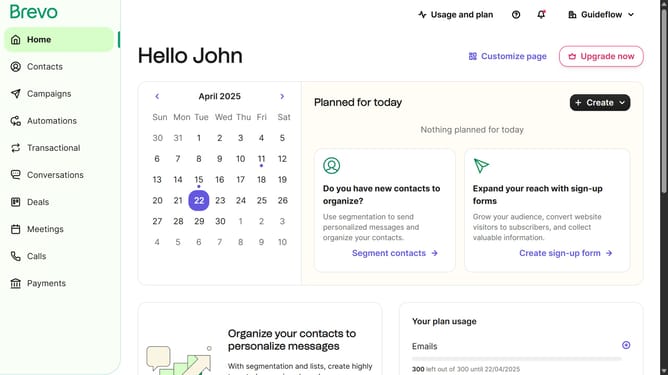
How to make a marketing activity automation in Brevo
Here is how to make a marketing activity automation in brevo
- First click on the "Automations" link in the left sidebar menu
- Then click on the "Create an automation" button in the top-right corner
- Then click on the "Marketing activity" automation template in the main dialog window to set up email campaign tracking
- Finally click on the "Create automation" button in the bottom-right corner of the configuration modal to finalize the marketing activity automation setup
Why should you make a marketing activity automation in Brevo
Brevo is a powerful tool designed to enhance and streamline your marketing efforts through intelligent automation.
Making a marketing activity automation in Brevo is a seamless process that allows you to orchestrate campaigns with precision. This feature changes the landscape by reducing manual tasks and minimizing human error.
Automation in Brevo offers the unique advantage of timely and consistent customer engagement, ultimately leading to improved efficiency and a more personalized customer experience.
Last update