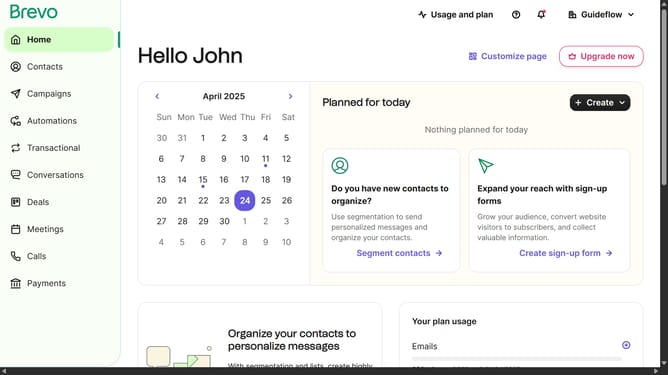
How to make your own folder in Brevo
Here is how to make your own folder in brevo
- First click on the "Campaigns" item in the left sidebar menu
- In the top toolbar, click on the "Create folder" button
- In the "Create folder" modal window, click on the folder name text input field
- Finally click on the "Create" button in the modal window
Why should you make your own folder in Brevo
Brevo is a versatile tool designed to elevate your digital communication strategies.
Creating your own folder in Brevo enhances organization and efficiency. This feature enables you to categorize and manage your content effortlessly, making retrieval quick and straightforward.
Using folders to organize your resources minimizes clutter and improves workflow visibility. It supports a more streamlined operational experience, ultimately saving time while boosting productivity.
Dive into a seamless process with Brevo's intuitive folder creation feature for optimal organization.
Last update