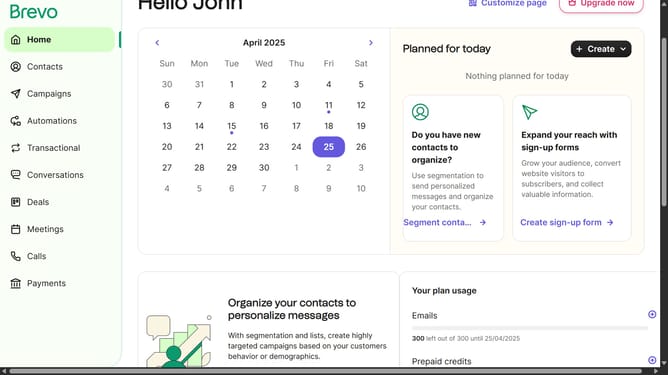
How to create a WhatsApp campaign in Brevo
Here is how to create a whatsapp campaign in brevo
- First click on the "Campaigns" item in the left sidebar menu
- Next click the "Create campaign" button in the top-right corner of the Campaigns page
- Then select the "WhatsApp" option from the available campaign types
- Next click on the campaign name input field to enter your campaign name
- Finally, click the "Start" button to begin creating your WhatsApp campaign
Why should you create a WhatsApp campaign in Brevo
Brevo is a dynamic platform designed to streamline your marketing strategies seamlessly.
Creating a WhatsApp campaign in Brevo allows you to harness one of the world's most popular messaging apps for direct communication with your audience.
By utilizing this feature, you can engage customers through personalized messages, enhancing their experience and fostering stronger relationships.
This approach not only increases your reach but also boosts interaction and brand loyalty effectively.
Last update