How to log out in Brevo
Here is how to log out in brevo
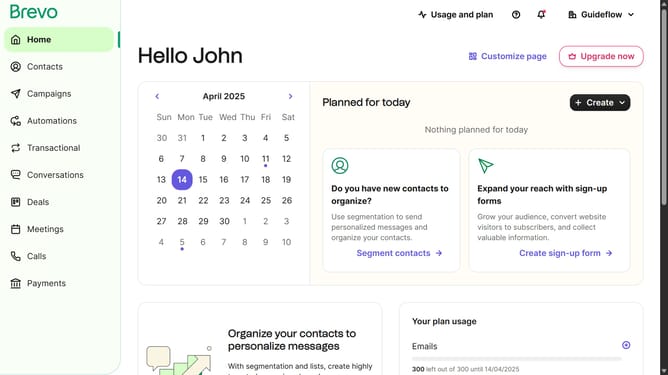
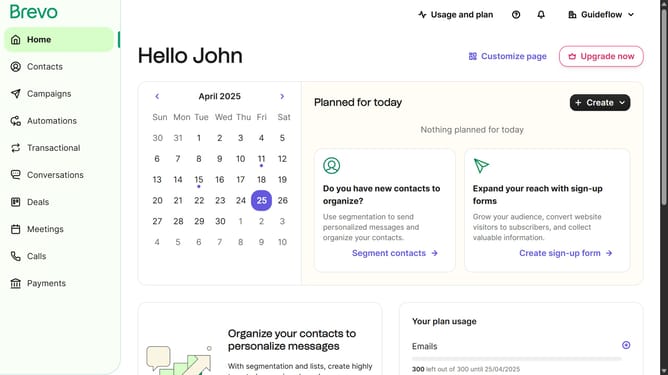
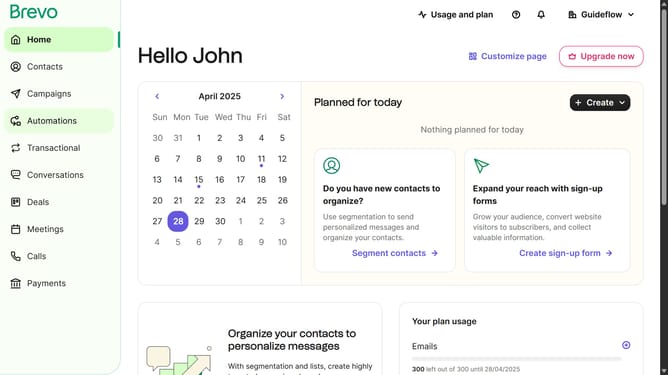
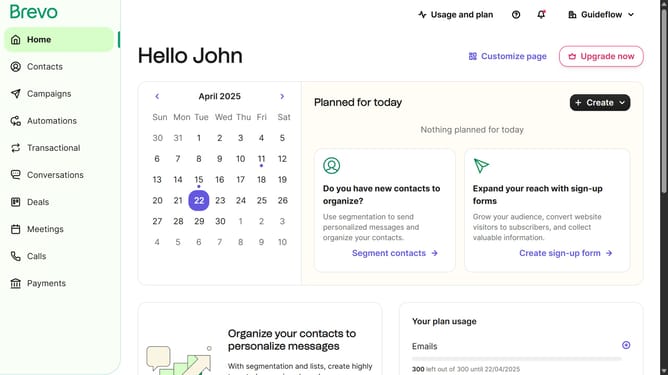
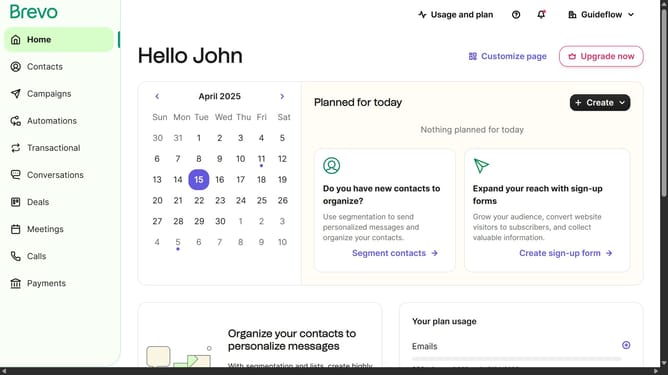
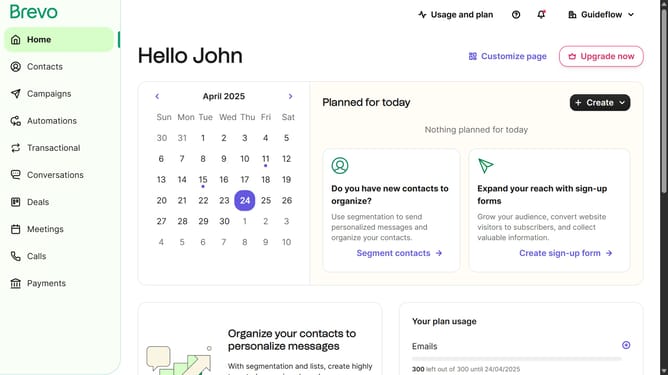
- First click on the "Guideflow" button in the top-right corner of the dashboard
- After that click on "Log out" option in the dropdown menu
Why should you log out in Brevo
Brevo is the ultimate platform designed to streamline and elevate your digital communication strategies.
Logging out in Brevo is a simple yet vital feature ensuring security and privacy for every user. With just a few clicks, users can safely disconnect from their session, protecting their personal and work data from unauthorized access.
Utilizing the logout feature enhances your overall experience, as it safeguards your information and maintains your peace of mind, allowing you to focus on what truly matters – your communication goals.
Last update