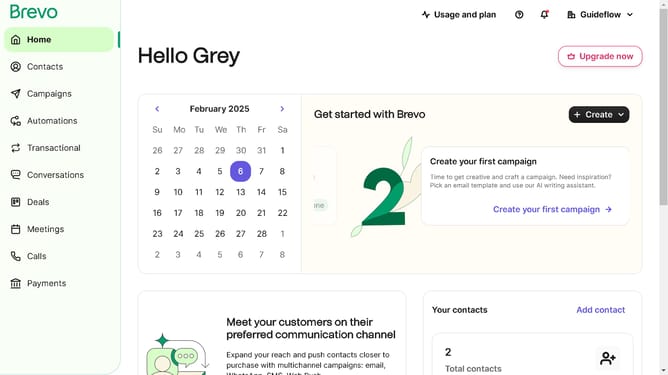
How to access developer mode in Brevo
Here is how to access developer mode in brevo
- First click on "Campaigns" in the left sidebar menu
- Then click on the "Market Email" draft campaign from the list
- Next click on the "Edit design" button in the campaign editor
- Next click on the "More actions" button on the top-right corner
- Then select on the "Developer Mode" in the pop-up window panel
- Finally click on the "Open developer mode" button to change the editor view
Why should you access developer mode in Brevo
Brevo is a versatile platform designed to streamline application development and enhance user experience.
Accessing developer mode in Brevo opens up a realm of possibilities for developers, offering seamless access to advanced settings and features.
With developer mode, users can integrate custom functionalities, delve deeper into debugging, and optimize application performance.
This feature empowers developers to tailor their projects precisely to their needs, improving efficiency and unleashing creativity in the development process.
Last update