How to rename the title of an automation in Brevo
Here is how to rename the title of an automation in brevo
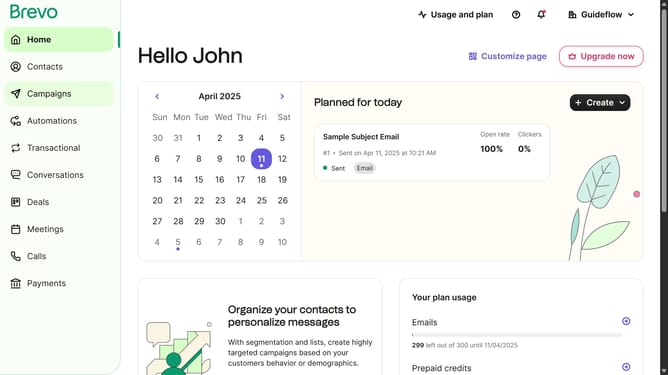
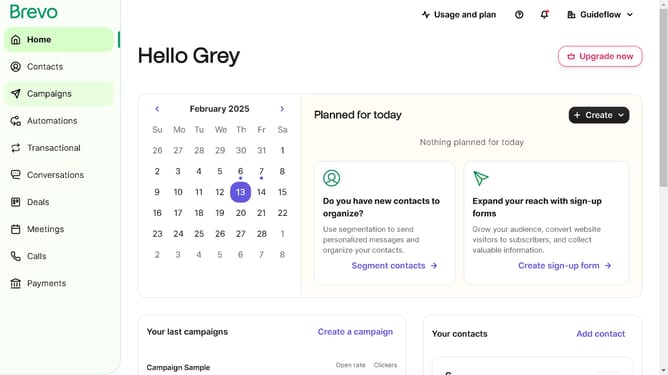
- First click on "Automations" item in the left sidebar
- Next click the options menu (three dots) button in the automation card
- Then select the "Rename" option from the dropdown menu that appears
- Next click in the automation name text field to edit the current name
- Finally click the "Save" button in the bottom-right corner of the rename dialog to confirm the changes
Why should you rename the title of an automation in Brevo
Brevo is a leading platform that streamlines marketing automation and customer engagement.
Renaming the title of an automation in Brevo is an intuitive feature that enhances user organization and clarity.
This function is essential for maintaining a tidy and well-organized workflow, allowing users to easily identify and manage their automated processes.
By utilizing this feature, users gain the advantage of improving team collaboration and ensuring their campaigns are perfectly aligned with their branding and strategic goals.
Last update