How to make a long code in Brevo
Here is how to make a long code in brevo
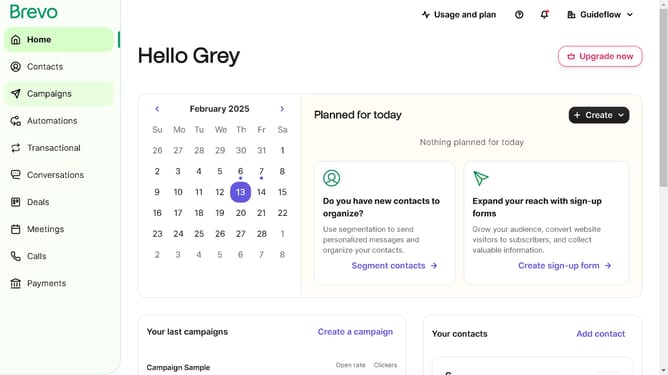
- First click on the "Campaigns" option in the left sidebar menu
- Next click on the "SMS" tab in the campaign type selection area
- Then click on the "Onboarding Message Sample" item in the campaign list
- Next click the dropdown arrow in the "Sender" section of the campaign settings
- In the "Sender name" input field, enter a 10-digit code
- Finally click the "Save" button at the bottom of the sender settings form
Why should you make a long code in Brevo
Brevo is an intuitive platform designed to streamline communication processes effectively.
The feature of creating long codes in Brevo enhances user customization by enabling the generation of personalized content codes. This flexibility allows users to craft detailed and specific communication resources tailored to individual needs.
Using long codes within Brevo not only adds a layer of personalization but also boosts engagement, fostering better interaction and understanding between users and their audiences.
Last update