How to change the name of a contact list in Brevo
Here is how to change the name of a contact list in brevo
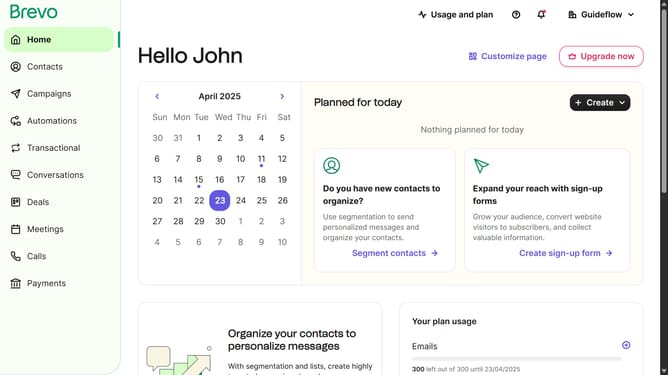
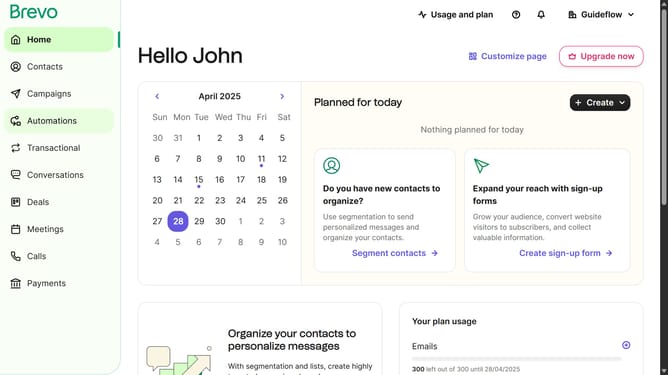
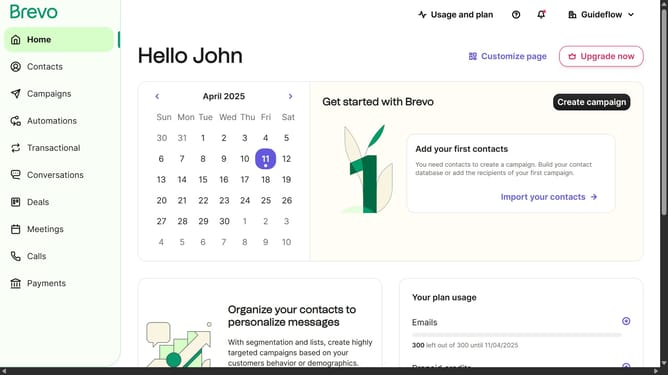
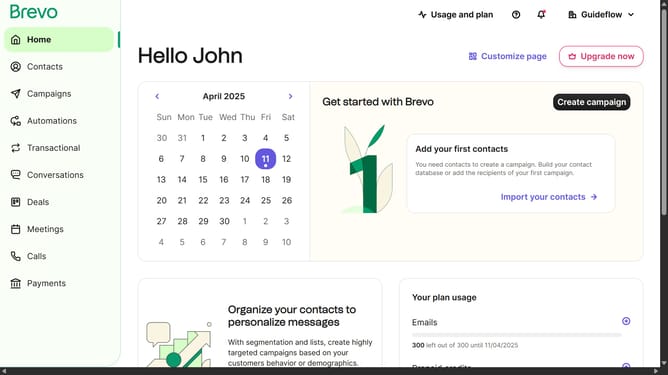
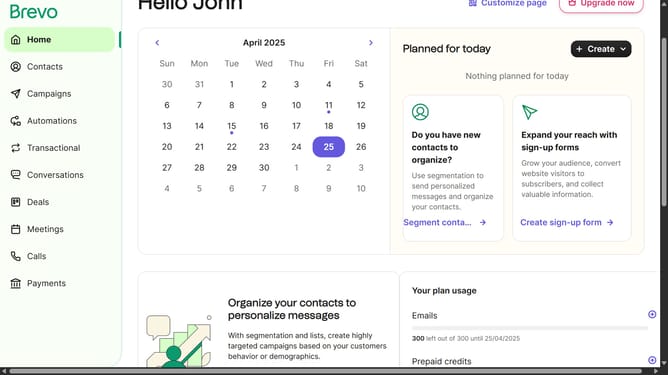
- First click on "Contacts" in the left sidebar navigation menu
- Then click on "Lists" in the submenu under Contacts section
- Next click on the folders dropdown menu in the main content area
- Then click on the folders list in the pop-up window panel
- Next click on the actions menu (three dots) for the "Sample List" item
- In the dropdown menu, select the "Rename" option
- Click in the "Name of the list" text field to edit the current name
- Finally, click the "Rename list" button in the bottom right corner of the dialog to confirm the changes
Why should you change the name of a contact list in Brevo
Brevo is a versatile platform designed to streamline your communication and marketing efforts.
One of the standout features of Brevo is the ability to change the name of a contact list effortlessly. This functionality allows you to keep your data organized and up to date, reflecting any changes in your marketing strategy or audience focus.
By renaming contact lists, you can ensure clarity among your team and make it easier to segment and target your audience effectively. This small change can offer significant benefits in maintaining the relevance and accuracy of your marketing campaigns.
Last update