How to share email template in Brevo
Here is how to share email template in brevo
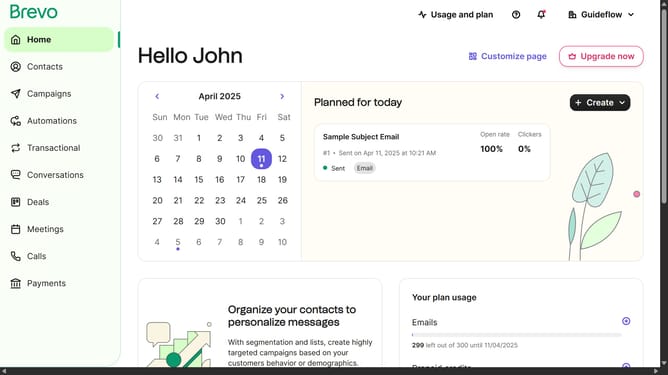
- First click on the "Campaigns" link in the left sidebar
- Then click on "Templates" in the campaigns submenu
- Next click on the "More options" menu (three dots icon) in the template card
- Then select the "Share" option from the dropdown menu
- Finally click the "Copy link" button in the share dialog to copy the template's sharing link
Why should you share email template in Brevo
Brevo is designed to streamline communication efforts by offering intuitive email marketing solutions.
An outstanding feature of Brevo is its ability to share email templates effortlessly, enhancing collaboration within your team.
This feature promotes consistency in branding and messaging, as all members can access the same resources, ensuring everyone is on the same page.
Sharing templates also boosts productivity by saving time spent on creating new designs, allowing focus on crafting quality content instead.
Last update