How to produce a marketing activity automation in Brevo
Here is how to produce a marketing activity automation in brevo
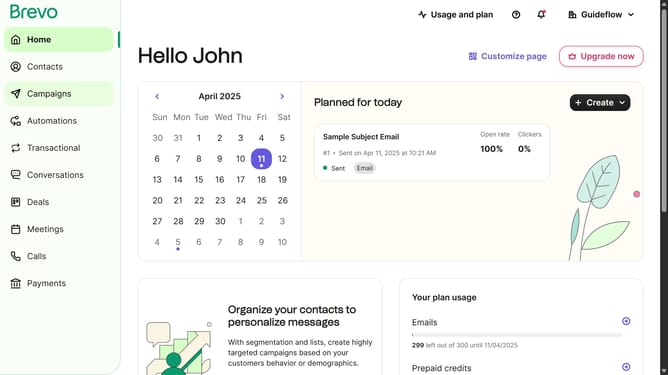
- First click on the "Automations" link in the left sidebar menu
- Then click on the "Create an automation" button in the top-right corner
- Then click on the "Marketing activity" automation template in the main dialog window to set up email campaign tracking
- Finally click on the "Create automation" button in the bottom-right corner of the configuration modal to finalize the marketing activity automation setup
Why should you produce a marketing activity automation in Brevo
Brevo is a dynamic platform designed to streamline marketing efforts through advanced automation.
Producing a marketing activity automation in Brevo allows businesses to engage customers effortlessly. It simplifies workflows by automating repetitive tasks, freeing up valuable time to focus on strategic initiatives.
Utilizing this feature optimizes marketing efforts, ensuring timely interactions with your audience, enhancing customer experiences, and driving better results overall.
Leverage Brevo's automation tools to stay ahead in the competitive market landscape.
Last update