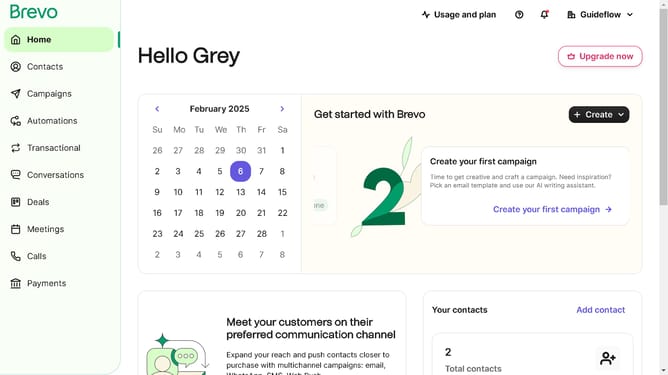
How to remove a contact folder in Brevo
Here is how to remove a contact folder in brevo
- First click on "Contacts" in the left sidebar navigation menu
- Then click on "Lists" in the submenu under Contacts section
- Next click on the dropdown button in the "Lists" main menu section
- Then click on the contact folder from the expanded dropdown menu
- In the main content area, click on the "Delete folder" button located next to the folder name
- Next click the checkbox that says "I am sure I want to delete the folder and the included lists"
- Finally, click the "Delete folder and lists" button in the confirmation dialog
Why should you remove a contact folder in Brevo
Brevo, a seamless communication platform, empowers businesses to efficiently manage their contacts and communication efforts.
The ability to remove a contact folder in Brevo ensures that your contact management remains clean and organized. By effectively eliminating outdated or redundant folders, you can streamline your workflow and maintain a focused contact list.
This feature is particularly beneficial for refining your communication strategy, ensuring that your efforts are always directed towards the most relevant and current contacts, maximizing productivity.
Last update