How to delete pop up card in Brevo
Here is how to delete pop up card in brevo
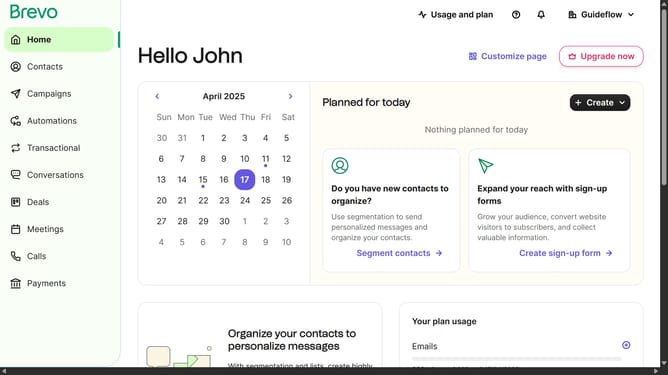
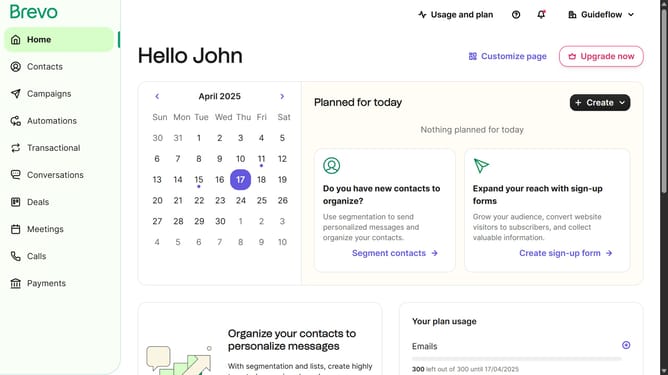
- First click on the sidebar menu item "Contacts" to access the contacts section
- Then click on the submenu item "Forms" in the contacts sidebar section
- Next click on the options menu (three dots) in the top-right corner of the "Copy of Pop-up Form" card
- Then click on the "Delete" option from the dropdown menu that appears
- Finally click on the "Delete form" button in the confirmation dialog box
Why should you delete pop up card in Brevo
Brevo is an intuitive platform designed to seamlessly enhance user engagement through dynamic content.
One of its notable features is the ease of managing pop-up cards.
Deleting a pop-up card in Brevo is a straightforward process, ensuring your interface remains clean and relevant.
This feature's simplicity in use saves valuable time and provides flexibility in content presentation.
By efficiently removing outdated pop-ups, users can maintain a more streamlined and visually pleasing interface.
Last update