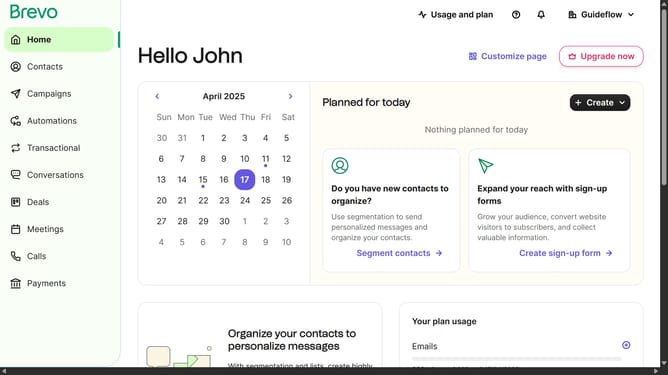
How to deactivate an integration in Brevo
Here is how to deactivate an integration in brevo
- First click on the "Guideflow" button in the top navigation bar
- Then click on "Plugins & Integrations" option in the dropdown menu
- Next click on the "My Integrations" tab in the Plugins & Integrations page
- Then click on the toggle button next to the "Partners" integration
- Next click on "Deactivate" option in the dropdown menu
- Finally click on the "Deactivate" button in the confirmation dialog
Why should you deactivate an integration in Brevo
Brevo is a versatile platform designed to streamline business operations through seamless integrations.
Deactivating an integration in Brevo is as straightforward as it is beneficial. This feature allows users to pause specific functionalities without disrupting other processes.
Utilizing this capability lets businesses maintain flexibility and focus on their evolving needs. It’s particularly useful when trying out new strategies or revamping current practices.
The ability to deactivate integrations ensures adaptability while keeping your digital ecosystem efficient and clutter-free.
Last update