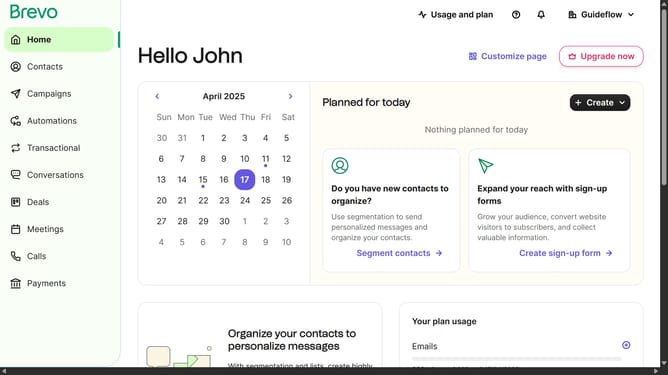
How to generate an email template in Brevo
Here is how to generate an email template in brevo
- First click on the "Campaigns" link in the left sidebar
- Then click on "Templates" in the campaigns submenu
- Next click on the "Create Template" button in the top right corner
- Select "Email template" option from the template creation modal
- Enter your template name in the Template Name field
- Click the "Next Step" button in the top right corner
- Finally select the "Default template" layout from the Layouts section
Why should you generate an email template in Brevo
Brevo is an intuitive platform designed to streamline your email marketing efforts.
Generating an email template in Brevo is a straightforward process that enhances both efficiency and creativity. This feature allows you to quickly design customized templates tailored to your brand's identity, ensuring consistency and professionalism in your communications.
Using Brevo's template generator saves valuable time, enabling you to focus more on crafting engaging content. It empowers marketers to deliver personalized experiences, fostering stronger connections with their audience.
With Brevo, maintaining a polished and coherent email strategy is effortlessly achievable, making email marketing more effective and cohesive.
Last update