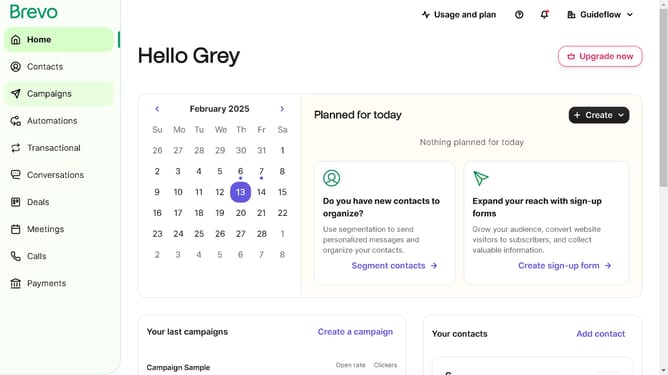
How to delete an integration in Brevo
Here is how to delete an integration in brevo
- First click on the "Guideflow" button in the top navigation bar
- Then click on "Plugins & Integrations" option in the dropdown menu
- Next click on the "My Integrations" tab in the Plugins & Integrations page
- Next click the more options button on the "Contacts Sync" integration in the integrations list
- Then click the "Delete" option from the menu that appears in the integration card
- Finally click the "Delete" button in the confirmation dialog box to permanently remove the integration
Why should you delete an integration in Brevo
Brevo is an innovative platform designed to streamline business processes through seamless integration management.
One valuable feature it offers is the ability to delete an integration effortlessly, ensuring your system remains organized and efficient. By having control over your integrations, you can optimize resource allocation and reduce clutter, promoting a smoother workflow.
Eliminating outdated or unnecessary integrations prevents potential security risks and keeps your data ecosystem clean and effective, enhancing overall productivity.
Last update