How to generate a form in Brevo
Here is how to generate a form in brevo
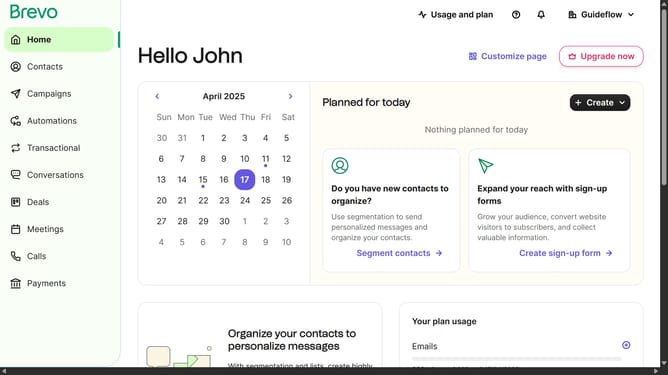
- First click on the sidebar menu item "Contacts" to access the contacts section
- Then click on the submenu item "Forms" in the contacts sidebar section
- Next click on the "Create sign-up form" button in the top-right corner of the forms page
- Then select and type on the input text field from the form creation modal
- Finally click the "Create form" button after entering "Testing Form" as the form name
Why should you generate a form in Brevo
Brevo is a robust platform designed to streamline and enhance your digital marketing strategies.
Generating a form in Brevo is a straightforward process with significant implications for your engagement efforts. By creating customizable forms, you can capture user information effectively, enabling you to build a comprehensive customer database.
Brevo's form generation feature is invaluable for collecting feedback, facilitating user interactions, and aligning marketing efforts with audience needs, ultimately boosting conversion rates.
Last update