How to change an email template in Brevo
Here is how to change an email template in brevo
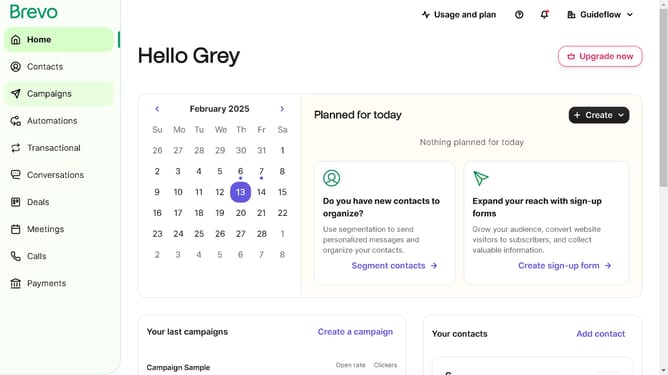
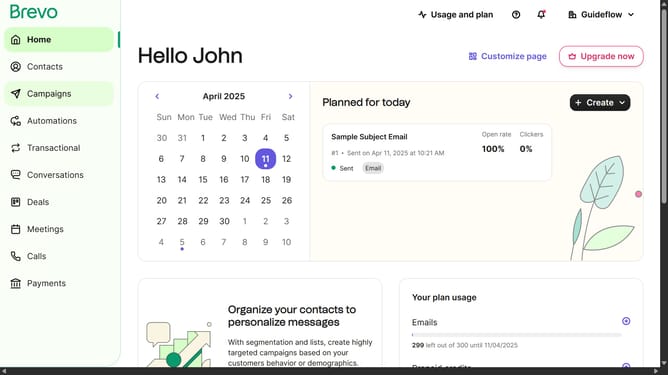
- First click on the "Campaigns" link in the left sidebar
- Then click on "Templates" in the campaigns submenu
- Next click on the "Testing Email Template" from the templates list in the main content area
- Finally click on both "Save & Quit" buttons in the top action bar
Why should you change an email template in Brevo
Brevo is a dynamic platform designed to streamline and enhance your email marketing efforts.
Changing an email template in Brevo is a seamless feature that empowers users to personalize their communication effortlessly. This flexibility caters to the evolving needs of your audience, ensuring that your messages remain engaging and relevant.
Utilizing this feature elevates the aesthetic and impact of your campaigns, helping you maintain a consistent brand voice while keeping your content fresh and appealing.
Incorporate this functionality to enhance the effectiveness and adaptability of your email marketing strategy.
Last update