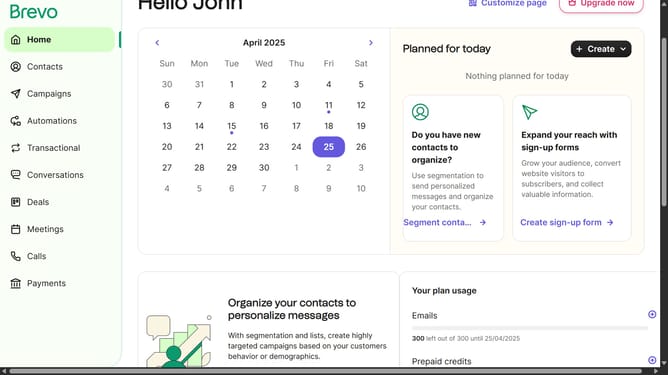
How to delete an automation in Brevo
Here is how to delete an automation in brevo
- First click on "Automations" item in the left sidebar
- Then click on the "Transactional activity" automation from the list
- Click on the automation name dropdown in the top header
- Next click on "Delete automation" option from the dropdown menu
- Finally click on "Delete automation" button in the confirmation dialog
Why should you delete an automation in Brevo
Brevo is an innovative platform designed to streamline and automate digital marketing efforts.
The ability to delete an automation in Brevo offers immense flexibility and control, allowing users to effortlessly manage their campaigns.
Removing outdated or unnecessary automations helps maintain a clean and efficient system, ensuring that your focus remains on relevant strategies.
This feature promotes better resource allocation, enhances organizational productivity, and ultimately boosts campaign effectiveness.
Last update