How to produce a website event automation in Brevo
Here is how to produce a website event automation in brevo
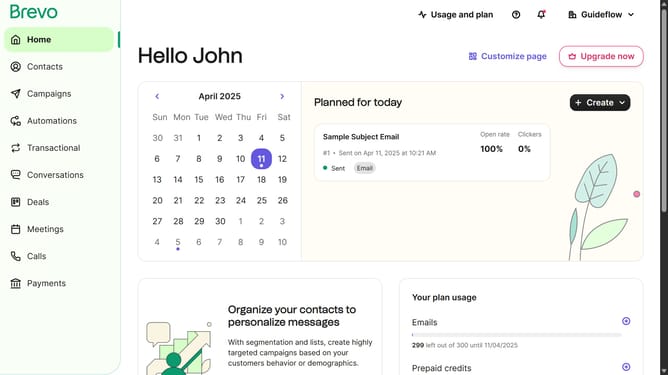
- First click on the "Automations" link in the left sidebar menu
- Then click on the "Create an automation" button in the top-right corner
- Next click on the "Website event" automation type card to set up website-triggered messaging
- Finally click the "Create automation" button to finalize and activate the website event automation
Why should you produce a website event automation in Brevo
Brevo is your go-to platform for seamless digital communication, enhancing customer interactions with ease.
Creating a website event automation with Brevo enables real-time interaction tracking, providing valuable insights into your audience's behavior. By automating these events, Brevo not only saves time but also boosts engagement through timely and relevant communication.
This feature ensures you connect with users at the most opportune moments, ultimately leading to higher conversion rates and improved customer satisfaction. With Brevo, enhance your strategy and maximize results effortlessly.
Last update