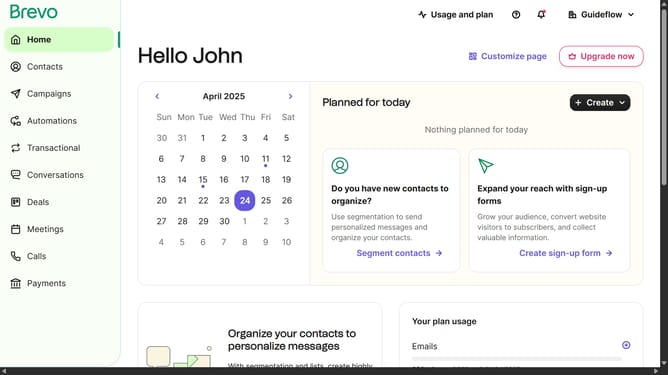
How to produce a copy of a form in Brevo
Here is how to produce a copy of a form in brevo
- First click on the sidebar menu item "Contacts" to access the contacts section
- Then click on the submenu item "Forms" in the contacts sidebar section
- Next click on the menu button with three dots next to the "Testing Form" in the forms list
- Then click on the "Duplicate" option from the dropdown menu that appears
- Finally click on the "Duplicate form" button in the confirmation dialog to create a copy of the Testing Form
Why should you produce a copy of a form in Brevo
Brevo is a dynamic platform designed to streamline your business communications effectively.
Producing a form copy in Brevo is a feature that enhances productivity by eliminating the need to create forms from scratch repeatedly, helping you save both time and effort.
By utilizing this feature, you maintain consistency across forms, ensuring data collection remains standardized and efficient within your organization.
Moreover, this can significantly enhance team collaboration, allowing swift adaptation to evolving business needs without compromising quality.
Last update