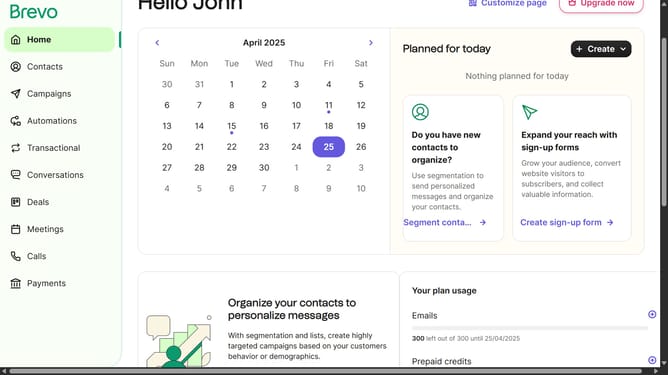
How to activate an integration in Brevo
Here is how to activate an integration in brevo
- First click on the "Guideflow" button in the top navigation bar
- Then click on "Plugins & Integrations" option in the dropdown menu
- Next click on the "My Integrations" tab in the Plugins & Integrations page
- Then click on the menu options button (three dots) in the Partners integration card
- Next click on the "Activate" option in the dropdown menu
- Then click on the "Contact synchronization" section in the Partners integration settings
- Next click on the toggle switch to enable contact syncing from HubSpot to Brevo
- Next click on the "Back" button to return to the contact syncing from HubSpot to Brevo
- Finally click on the "Back to My Integrations" link to return to the main integrations page
Why should you activate an integration in Brevo
Brevo is a robust platform designed to streamline your digital communications and enhance workflow efficiency.
Activating an integration in Brevo is a seamless way to connect your favorite tools, unlocking a world of synchronized possibilities.
This feature allows you to consolidate data and processes, ensuring that information moves smoothly between systems without manual intervention.
Using integrations not only reduces operational clutter but also ensures that your team’s productivity remains at its peak, all while maintaining consistency and accuracy across platforms.
Last update