How to remove contact folder in Brevo
Here is how to remove contact folder in brevo
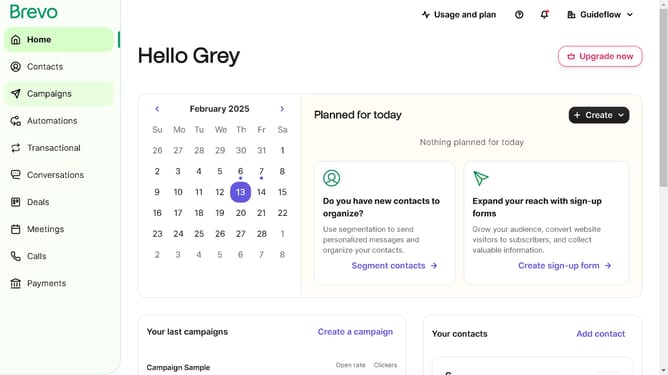
- First click on "Contacts" in the left sidebar navigation menu
- Then click on "Lists" in the submenu under Contacts section
- Next click on the dropdown button in the "Lists" main menu section
- Then click on the contact folder from the expanded dropdown menu
- In the main content area, click on the "Delete folder" button located next to the folder name
- Next click the checkbox that says "I am sure I want to delete the folder and the included lists"
- Finally, click the "Delete folder and lists" button in the confirmation dialog
Why should you remove contact folder in Brevo
Brevo is an intuitive platform designed to streamline and enhance your communication management.
Removing contact folders in Brevo is a feature designed to keep your workspace organized and efficient. It empowers you to easily declutter your contacts section, ensuring that only relevant and necessary information is readily accessible.
This feature is essential for maintaining a clean and productive environment, allowing you to focus on more important tasks without getting bogged down in unnecessary data clutter.
By removing outdated or unused contact folders, you optimize your workflow and ensure that your communication resources remain relevant and useful.
Last update