How to generate a contact folder in Brevo
Here is how to generate a contact folder in brevo
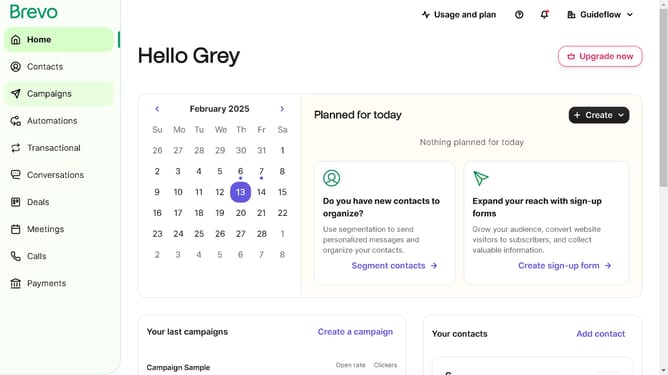
- First click on "Contacts" in the left sidebar navigation menu
- Then click on "Lists" in the submenu under Contacts section
- Next click on the dropdown button in the "Lists" main menu section
- Then click on "Create a new folder" option in the dropdown menu
- Next click in the text field to type in your folder name
- Finally click on the "Create folder" button to create a new folder
Why should you generate a contact folder in Brevo
Brevo is a dynamic platform designed to simplify customer relationship management and optimize communication strategies.
Creating a contact folder in Brevo allows you to efficiently organize your contacts, enhancing your ability to manage communication effectively.
This feature helps streamline your workflow by categorizing your audience, ensuring targeted messaging.
Utilizing contact folders enhances engagement and improves campaign precision, ultimately supporting your marketing objectives.
Last update