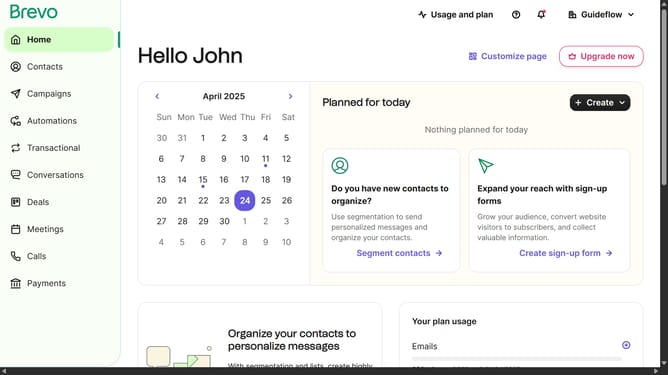
How to create a new contact list in Brevo
Here is how to create a new contact list in brevo
- First click on "Contacts" in the left sidebar navigation menu
- Then click on "Lists" in the submenu under Contacts section
- Next click on the dropdown button in the "Lists" main menu section
- Then click on the contact folder from the expanded dropdown menu
- In the top-right corner of the Lists page, click on the "Create a list" button
- In the popup modal form, click on the text input field labeled "Name of the list" to enter your list name
- Finally click on the "Create list" button at the bottom-right of the modal to create your new list
Why should you create a new contact list in Brevo
Brevo is a comprehensive platform designed to streamline your communication with customers.
Creating a new contact list in Brevo is a seamless process that enhances your ability to organize and manage your audience efficiently.
This feature is essential for targeting specific groups, personalizing messages, and boosting engagement, making it an invaluable tool for marketers and businesses.
Utilizing contact lists helps ensure that your communication remains relevant and impactful, ultimately fostering stronger customer relationships.
Last update