How to disable a template in Brevo
Here is how to disable a template in brevo
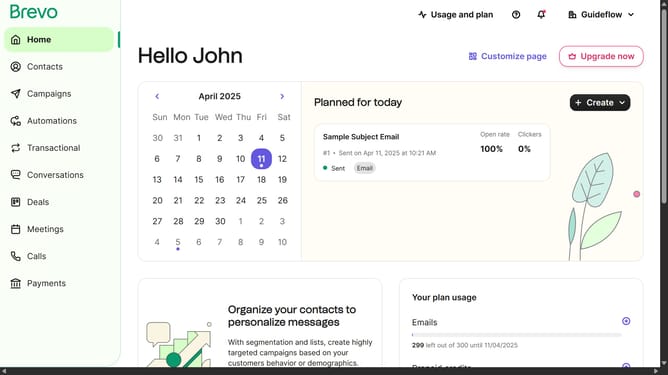
- First click on the "Campaigns" link in the left sidebar
- Then click on "Templates" in the campaigns submenu
- Next click on the "Options" menu (three dots icon) in the template card
- Then select "Deactivate" option from the dropdown menu
- Finally click on "Deactivate template" button in the confirmation dialog
Why should you disable a template in Brevo
Brevo is a versatile platform designed to enhance digital communication by simplifying template management.
The ability to disable a template in Brevo offers users invaluable flexibility, allowing them to streamline their communication strategies with precision.
By disabling a template, users can keep their template library organized, ensuring that only the most relevant and up-to-date designs are available for use.
This feature not only enhances workflow efficiency but also aids in maintaining a clutter-free environment, fostering a more focused and productive user experience.
Last update