How to produce a page visit automation in Brevo
Here is how to produce a page visit automation in brevo
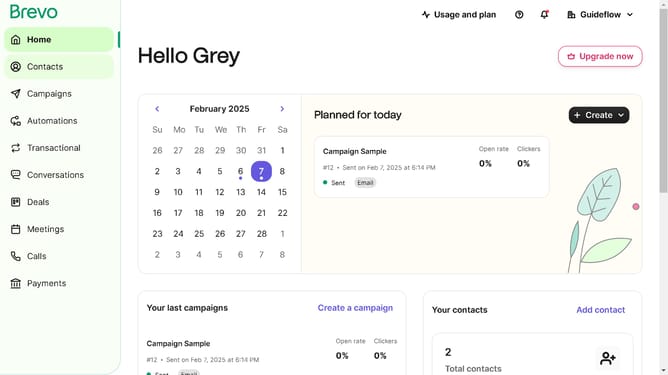
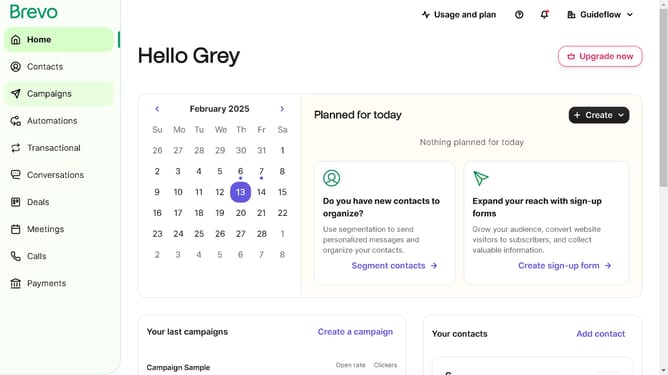
- First click on the "Automations" link in the left sidebar menu
- Then click on the "Create an automation" button in the top-right corner
- Next select the "Page visit" template from the pre-built automation options
- Finally click the "Create automation" link at the bottom of the page visit configuration screen
Why should you produce a page visit automation in Brevo
Brevo empowers businesses with robust automation tools to enhance engagement and streamline operations.
The feature of producing page visit automation in Brevo allows you to effortlessly track and respond to user interactions on your site. By automating responses to page visits, businesses can create more personalized user experiences and increase conversion rates.
This functionality not only saves time but also ensures consistent communication with potential customers, enhancing brand reliability and fostering customer loyalty.
Last update