How to collaborate with team members on shared brand assets in Brevo
Here is how to collaborate with team members on shared brand assets in brevo
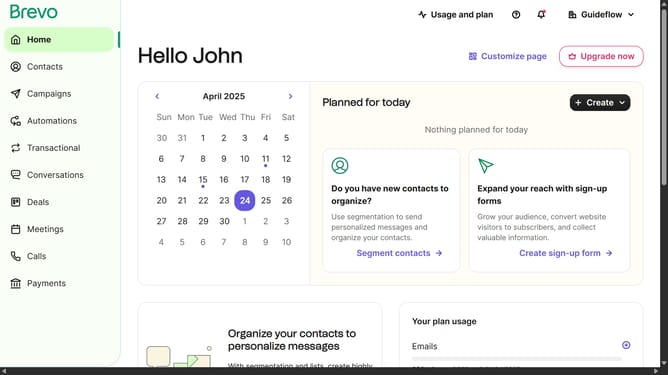
- First click on "Campaigns" in the left sidebar menu
- Then click on "Templates" in the Campaigns submenu
- Click on "Create Template" button in the top right corner
- Select "Email template" option from the template type dialog
- Click in the "Template Name" input field to enter the name of the template
- After entering name click the "Next Step" button in the top right
- Click on the template in the "Layouts" block to select the preferred template
- Next insert the "Blocks" to personalize your template in the left sidebar menu
- Next click the "Style" icon in the left sidebar menu
- Then click the "Edit in brand library" button to modify your master template
- Next apply all the changes you want onto the options in the settings menu
- After that apply the changes onto the "Fonts" settings based on your preference
- Next click "Add link" button in the social media links section
- Next click "Save & apply brand" button to apply the brand settings
- Then click "Save & quit" button in the top right corner
- Next click the "Save & Quit" button to save changes to your master template
- Back on templates page click the menu icon (three dots) for the Master Template created
- Finally from the dropdown menu click "Duplicate" to create a copy to use as your brand template
Why should you collaborate with team members on shared brand assets in Brevo
Brevo is an innovative platform designed to streamline brand asset management and collaboration.
By using Brevo, teams can effortlessly collaborate on shared brand assets, ensuring consistency and alignment across projects. This feature empowers team members to work together efficiently, minimizing confusion and errors.
Utilizing Brevo's collaborative tools enhances productivity, as team members can easily access and update assets in real-time. This seamless cooperation fosters creativity and accelerates project timelines, ultimately leading to more cohesive brand strategies.
Last update