How to install WooCommerce plugin in Brevo
Here is how to install woocommerce plugin in brevo
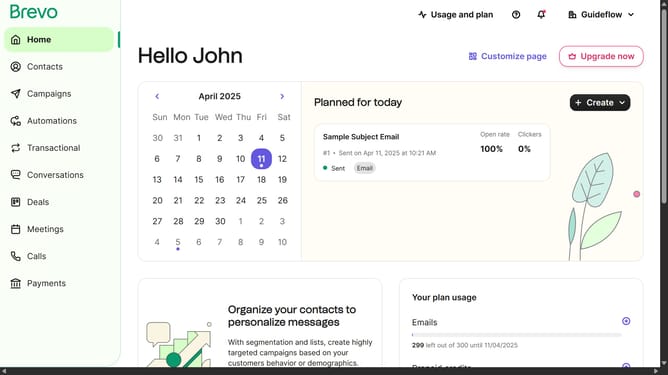
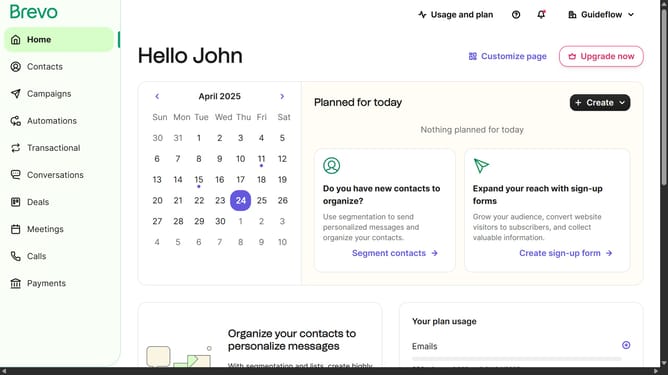
- First click on the "Guideflow" button in the top-right corner of the header
- Then select "Plugins & Integrations" from the dropdown menu
- Click on the "WooCommerce" integration card in the integrations list
- Next click on the "Download the WooCommerce plugin" button on the plugin's documentation page
- Finally click the "Download" button on the WordPress plugin directory page
Why should you install WooCommerce plugin in Brevo
Brevo is a powerful platform designed to streamline and enhance online business operations.
Installing the WooCommerce plugin in Brevo seamlessly integrates e-commerce functionalities with your existing system.
This feature enhances your website's capability, making it easier to manage online stores and transactions while maximizing operational efficiency.
Utilizing this integration ensures a cohesive user experience, combining powerful tools for a more successful digital presence.
Last update