How to produce a form in Brevo
Here is how to produce a form in brevo
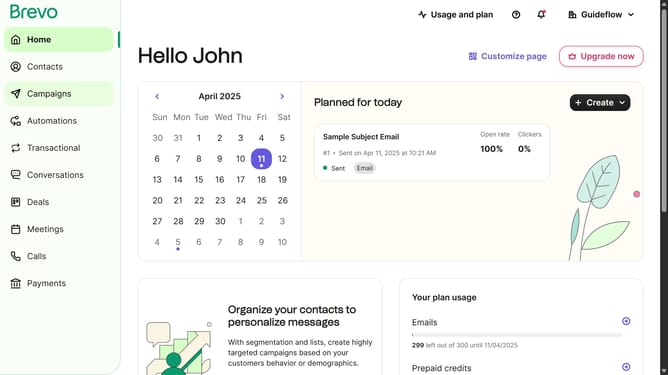
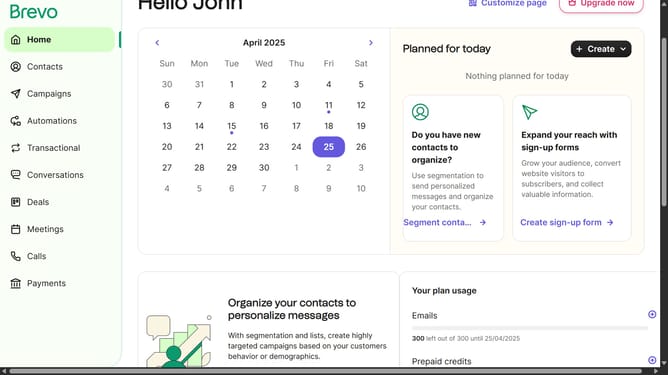
- First click on the sidebar menu item "Contacts" to access the contacts section
- Then click on the submenu item "Forms" in the contacts sidebar section
- Next click on the "Create sign-up form" button in the top-right corner of the forms page
- Then select and type on the input text field from the form creation modal
- Finally click the "Create form" button after entering "Testing Form" as the form name
Why should you produce a form in Brevo
Brevo is a powerful digital platform designed to enhance communication and engagement through customizable tools.
Brevo makes creating forms effortless, spotlighting its versatility and simplicity. Whether for capturing leads, conducting surveys, or obtaining user feedback, its form production feature streamlines the process with just a few intuitive steps.
Leverage customizable elements to design tailored forms that align with your brand’s identity, ensuring a cohesive and professional appearance. This functionality not only saves time but also enhances user interaction by fostering easy and accessible communication pathways.
By using forms in Brevo, you efficiently gather valuable insights, helping to inform strategies and foster deeper customer connections.