How to move a folder in Brevo
Here is how to move a folder in brevo
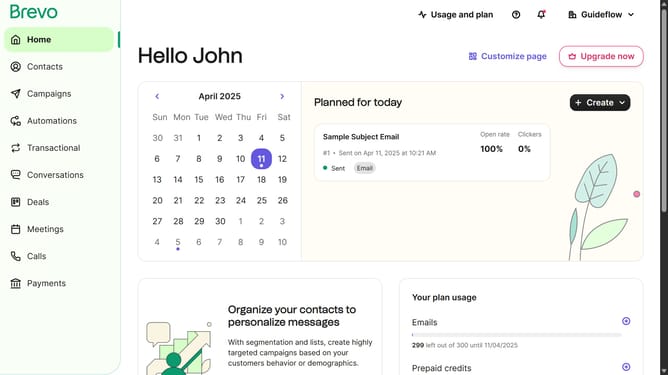
- First click on "Campaigns" in the left sidebar menu
- Next click on the "Folders" dropdown button in the top toolbar
- Then click on the menu button next to "Sample Campaign" folder
- Then click on "Move to a folder" option from the dropdown menu
- Then select "Reserve Folder" as the destination in the move dialog
- Finally click the "Move" button to complete the folder transfer
Why should you move a folder in Brevo
Brevo is a powerful platform designed to streamline your business communication and organization.
The ability to move a folder within Brevo enhances your workflow by providing flexibility and ease of access to your files. Organizing your content becomes hassle-free, allowing you to prioritize tasks efficiently.
This feature encourages a clutter-free interface, reducing the time spent searching for documents, and consequently enhancing productivity. It highlights Brevo's commitment to offering user-friendly solutions that adapt to your evolving needs.
Last update