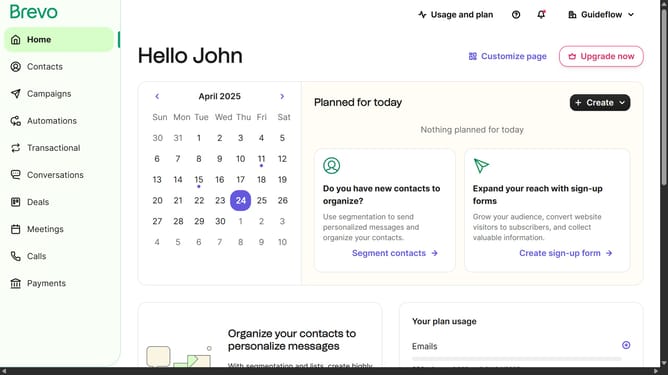
How to schedule an SMS message in Brevo
Here is how to schedule an sms message in brevo
- First click on "Campaigns" in the left sidebar menu
- Then click on the "SMS" tab in the campaigns section
- Next click on the draft "Onboarding Message" campaign
- In the top header, click on the "Send now or later" button
- Next click on the "Send later" option in the scheduling dialog to schedule your campaign for a specific date and time
- Then click on the calendar icon in the date field to open the date picker
- In the calendar window, select the date and click on the "Confirm" button
- Next click on the time picker icon next to the time field to open the time selection dialog
- In the time picker window, select the time and click on the "OK" button
- Finally click on the "Edit schedule" button at the bottom of the dialog to save your schedule settings
Why should you schedule an SMS message in Brevo
Brevo is a versatile tool designed to enhance communication and marketing efficiency for businesses.
Scheduling an SMS message in Brevo simplifies your communication strategy by allowing you to plan and send messages at optimal times. This feature ensures that your messages reach your audience exactly when intended, increasing engagement and response rates.
By scheduling SMS messages, businesses can maintain consistent communication without real-time oversight, leading to more effective marketing campaigns.
Overall, this feature aids in time management and enhances the precision of your outreach efforts.
Last update