How to insert a link in your SMS in Brevo
Here is how to insert a link in your sms in brevo
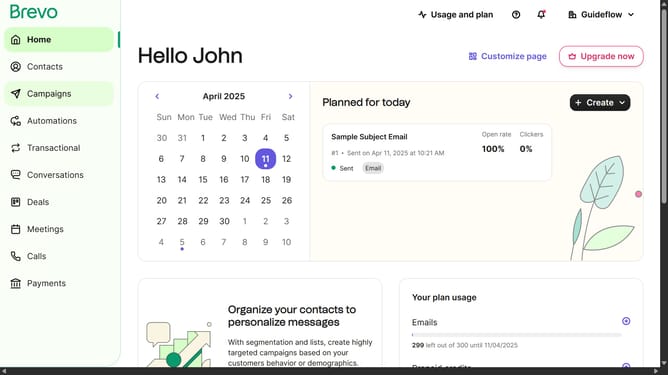
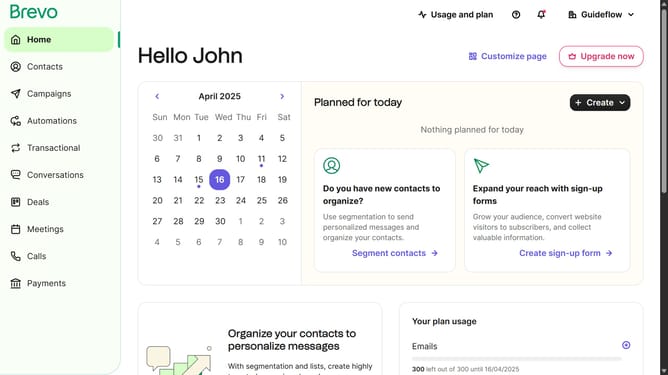
- First click on the "Campaigns" button in the left sidebar
- Then click on "SMS" tab to switch to SMS campaigns
- Next click on the SMS campaign from the SMS list
- Then click on the "Edit" button in the Message content section
- Then click and type on the "Message" input text field in the Message content section
- Finally click the "Save" button in the top-right corner to save your changes
Why should you insert a link in your SMS in Brevo
Brevo empowers businesses to streamline communication by crafting effective SMS marketing campaigns.
Inserting a link within your SMS via Brevo transforms a simple message into a powerful engagement tool. It seamlessly bridges the gap between your text conversation and your digital platform, providing recipients immediate access to your website or content.
This feature not only boosts recipient engagement but also enhances conversion potential, ensuring your messages result in actionable outcomes. Leverage Brevo's capability to enrich your customer interactions effortlessly.
Last update