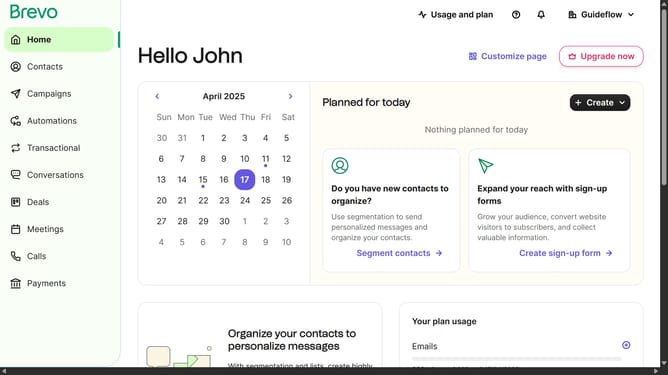
How to create a sign up form in Brevo
Here is how to create a sign up form in brevo
- First click on the "Contacts" item in the left sidebar menu
- Then click on "Forms" in the left sidebar submenu
- Next click on the "Create sign-up form" button in the top right corner
- Then click on the "Pop-up" form type option
- In the form name field, click to enter the form name
- Finally click on the "Create form" button at the bottom right
Why should you create a sign up form in Brevo
Brevo is a powerful tool designed to streamline your email marketing efforts with ease and efficiency.
Creating a sign-up form in Brevo is incredibly simple and brings numerous advantages. This feature allows you to effortlessly gather new subscribers, enhancing your ability to reach a broader audience.
By seamlessly integrating a sign-up form, you not only personalize your marketing strategy but also foster stronger connections with potential customers. The ease of use and customizable options make it an indispensable asset for any business seeking growth.
Last update