How to create a copy of an email template in Brevo
Here is how to create a copy of an email template in brevo
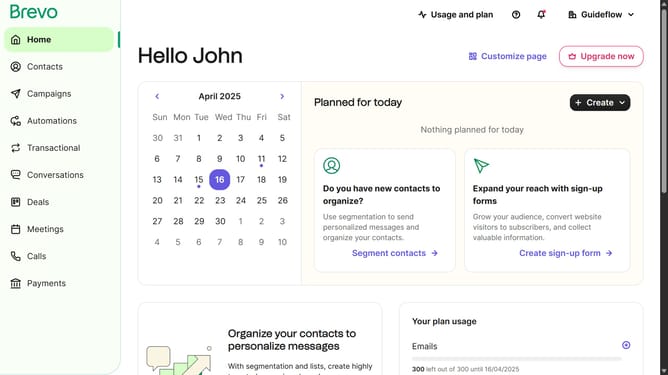
- First click on the "Campaigns" link in the left sidebar
- Then click on "Templates" in the campaigns submenu
- Next click the options menu (three dots icon) for the template you want to manage
- Finally click the "Duplicate" option from the dropdown menu that appears
Why should you create a copy of an email template in Brevo
Brevo is a powerful platform designed to streamline your email marketing efforts with ease and precision.
Creating a copy of an email template in Brevo is a seamless way to enhance productivity and maintain brand consistency. This feature allows marketers to quickly replicate successful designs and content without starting from scratch, saving time and effort.
Utilizing this feature not only boosts efficiency but also ensures that your messaging remains cohesive across multiple campaigns, reinforcing your brand’s voice and strengthening customer engagement.
Last update