How to set up a default reply to email address in Brevo
Here is how to set up a default reply to email address in brevo
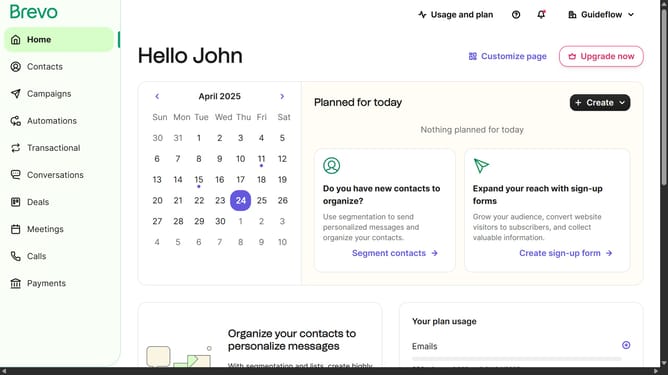
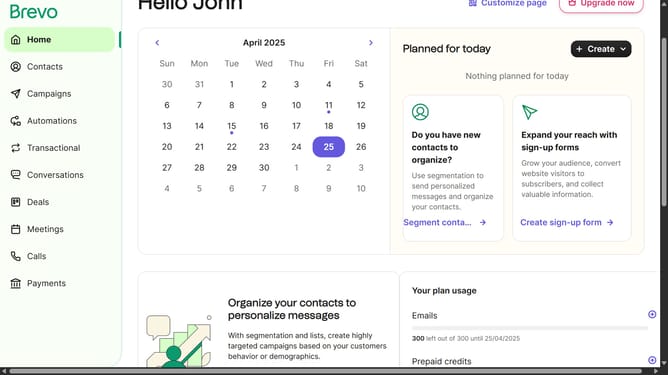
- First click on "Campaigns" in the left sidebar menu
- From the main menu, click on "Settings" in the left sidebar
- Click on the "Configure" button under the Default Settings card
- Click on the text field in the default campaign settings section
- Finally click on the "Save" button in the top-right corner of the Default Settings page
Why should you set up a default reply to email address in Brevo
Brevo simplifies email communication with a robust platform designed to enhance your business interactions.
Setting up a default reply-to email address in Brevo ensures every response finds its way to the right inbox, streamlining your email management process.
This feature is vital for maintaining consistency in your communications, making it simpler for recipients to engage with your emails.
By centralizing responses, Brevo helps boost customer satisfaction and saves you time by efficiently managing your email correspondences.
Last update