How to use the campaigns on an email in Brevo
Here is how to use the campaigns on an email in brevo
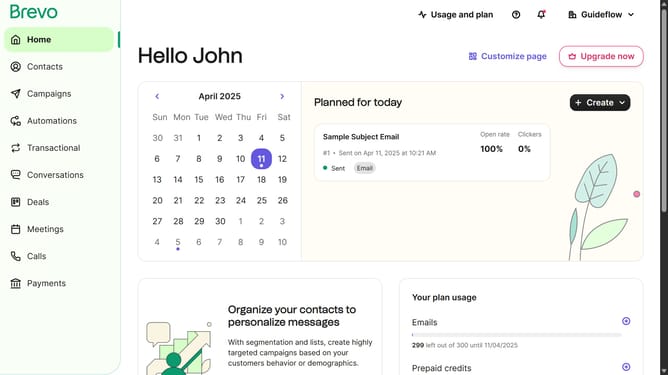
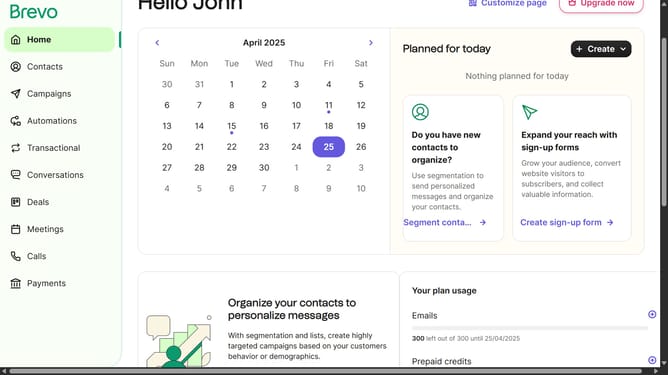
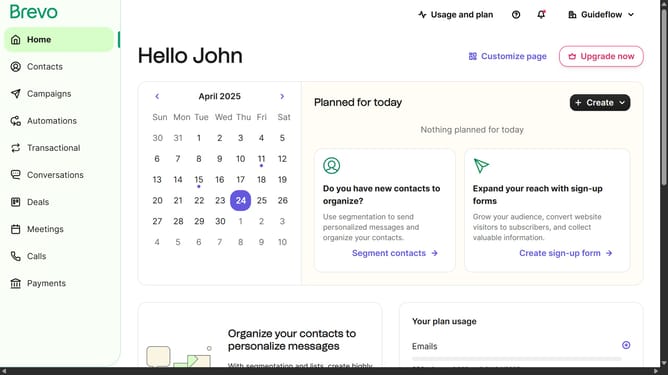
- First click on the "Campaigns" item in the left sidebar
- Then click on "Create campaign" button on the top right corner
- Then select "Email" option from the campaign types
- Next click on the input text field and type your campaign name
- Then click on the "Create campaign" button to proceed
- Next click "Start designing" button in the Design section
- Then click on the "My Templates" tab in the Design section
- Finally click "Use template" button in the template layout
Why should you use the campaigns on an email in Brevo
Brevo is a dynamic platform designed to enhance your email marketing efforts with ease and efficiency.
The campaigns feature in Brevo allows you to create personalized email strategies that connect with your audience on a deeper level. Engaging campaigns foster stronger relationships, ensuring your message resonates and drives action.
Using campaigns in Brevo is an excellent way to streamline your communication, tailor your messaging to specific recipients, and ultimately boost your business's growth by maximizing the impact of each email sent.
Last update