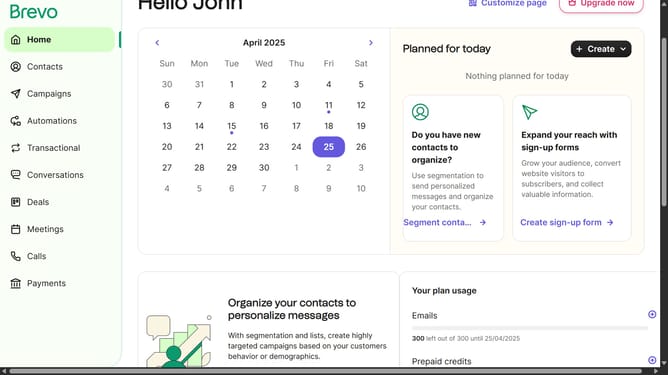
How to make a WhatsApp template in Brevo
Here is how to make a whatsapp template in brevo
- First click on the "Campaigns" item in the left sidebar menu
- Next click on the "Templates" link in the left sidebar
- Then click on the "WhatsApp" tab in the main content area
- Then click the "Create Template" button in the top-right corner
- Next select "WhatsApp template" from the template type options
- Next click on the text field to input the template name
- Then click on the "Template type" dropdown menu
- After that select the "Marketing" tab in the dropdown window panel
- Next click on the "Template language" dropdown menu
- Select "French" from the language options
- Finally click the "Start" button at the bottom of the form
Why should you make a WhatsApp template in Brevo
Brevo is a powerful communication platform designed to streamline messaging across multiple channels.
Creating a WhatsApp template in Brevo harnesses the efficiency of automated messaging while ensuring consistency in communication. This feature empowers users to craft precise and engaging messages to meet their audience's needs.
Utilizing WhatsApp templates in Brevo enhances your ability to connect with customers quickly, providing a seamless experience that boosts engagement.
Ultimately, this streamlining leads to improved customer satisfaction and efficient communication management.
Last update