How to input a social media block on a campaign in Brevo
Here is how to input a social media block on a campaign in brevo
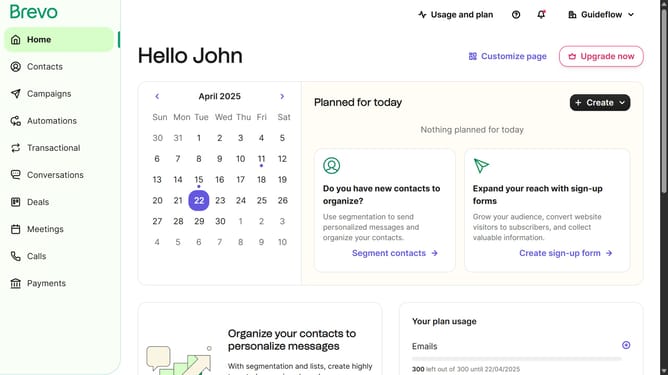
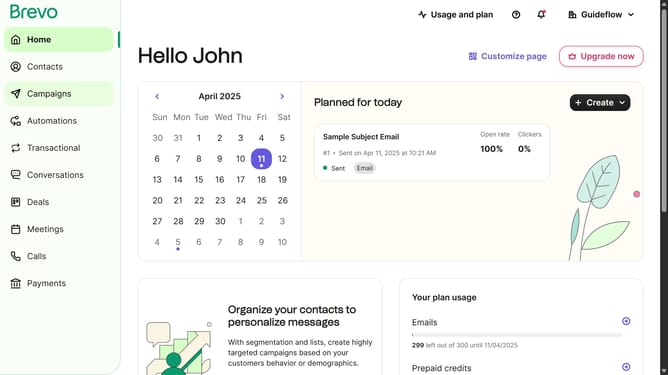
- First click on "Campaigns" in the left sidebar menu
- Then click on the "Market Email" draft campaign from the list
- Next click on the "Edit design" button in the campaign editor
- Then click and drag on the "Title" block option in the left sidebar blocks menu
- Finally click on the collapsible arrow in the "Social media links" section of the editor to input your social media links
Why should you input a social media block on a campaign in Brevo
Brevo is an innovative platform designed to streamline and enhance your digital campaigns.
Embedding a social media block in a Brevo campaign unlocks seamless connectivity and interaction with your audience. By integrating social media links, you can broaden your campaign's reach, engaging users directly through their preferred platforms.
This feature amplifies brand visibility and encourages content sharing, making your campaigns dynamic and interactive. Leverage this capability to foster deeper connections and drive greater audience engagement in your campaigns.
Last update