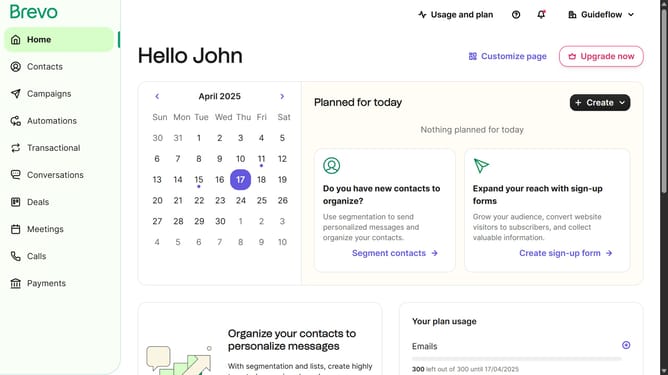
How to create a anniversary date automation in Brevo
Here is how to create a anniversary date automation in brevo
- First click on the "Automations" link in the left sidebar menu
- Then click on the "Create an automation" button in the top-right corner
- Then click on the "Anniversary date" card option to set up birthday-based automations
- Finally click the "Create automation" button to finalize and save the automation
Why should you create a anniversary date automation in Brevo
Brevo is a dynamic platform designed to streamline your marketing automation effortlessly.
Creating an anniversary date automation in Brevo allows businesses to engage with customers in a meaningful way, celebrating personal milestones with timely messages. This feature personalizes the customer experience, fostering loyalty and connection with ease.
By automating anniversary communications, you save time and ensure consistency across all interactions. This not only enhances customer satisfaction but also strengthens brand relationships through thoughtful, automated outreach.
Last update