How to erase an email template in Brevo
Here is how to erase an email template in brevo
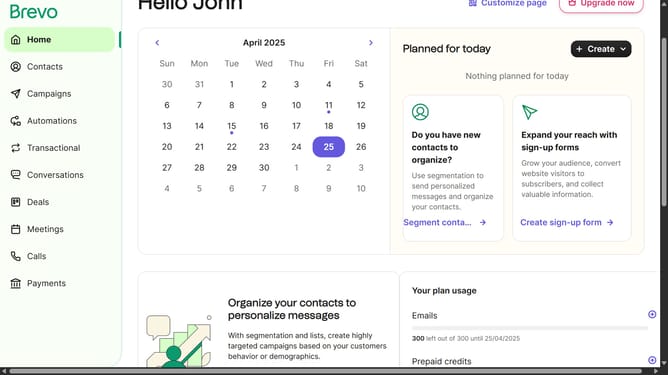
- First click on the "Campaigns" link in the left sidebar
- Then click on "Templates" in the campaigns submenu
- Next click on the "Options" menu button (three dots) in the top-right corner of the template item
- Then click on the "Delete" option from the dropdown menu
- Finally click on the "Delete template" button in the confirmation dialog box
Why should you erase an email template in Brevo
Brevo is an intuitive platform designed to enhance your email marketing efforts.
Removing an email template in Brevo is a straightforward process that boosts efficiency by decluttering your workspace.
This feature ensures that outdated or unused templates don't occupy valuable space, allowing for a more organized system.
Utilizing this functionality contributes to a streamlined marketing strategy by maintaining a relevant and optimized suite of email resources.
Last update