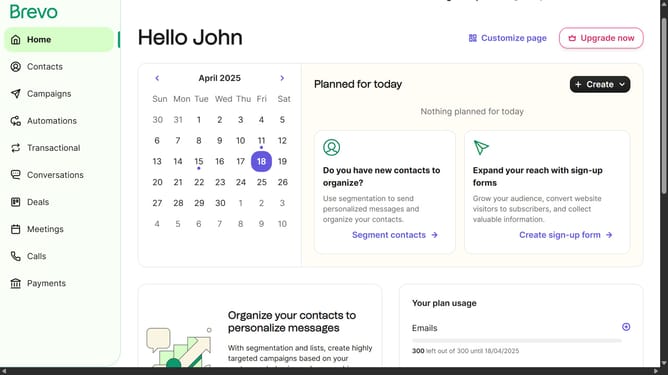
How to remove an automation in Brevo
Here is how to remove an automation in brevo
- First click on "Automations" item in the left sidebar
- Then click on the "Transactional activity" automation from the list
- Click on the automation name dropdown in the top header
- Next click on "Delete automation" option from the dropdown menu
- Finally click on "Delete automation" button in the confirmation dialog
Why should you remove an automation in Brevo
Brevo is an intuitive platform designed to elevate your marketing automation strategy.
Removing an automation in Brevo is a straightforward feature that enables you to adjust and refine your marketing efforts effortlessly.
This flexibility is crucial for ensuring your campaigns remain relevant and effective, allowing you to respond promptly to changing business needs or market trends.
Ultimately, this feature supports seamless customization, ensuring your marketing initiatives perfectly align with your evolving goals.
Last update